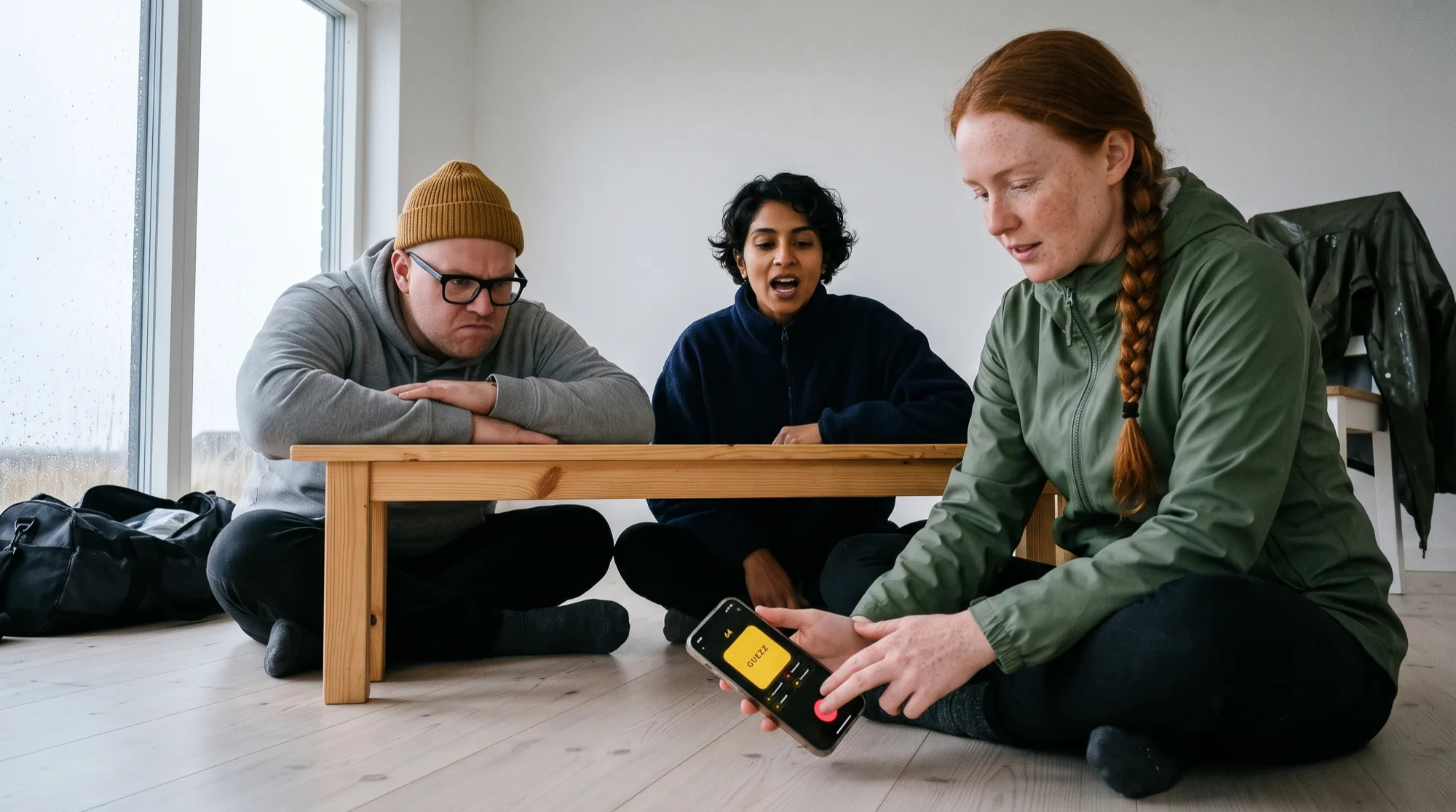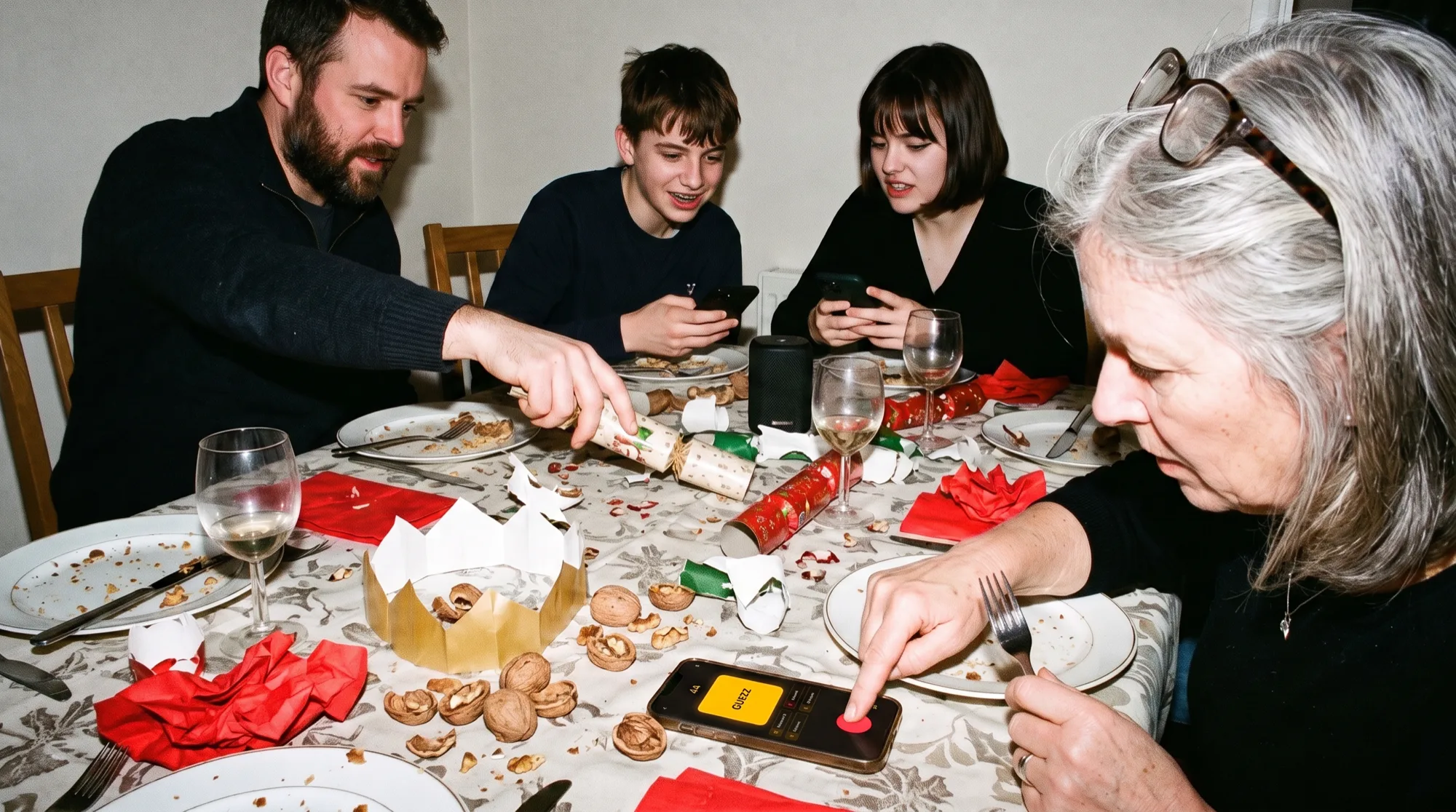
Sarah hosts our game nights from her iPad. It's the one device in the apartment with Apple Music and a stand, so it leans against the speaker in landscape, like every iPad on every kitchen counter. And for as long as we've played, Guezzer just lay there on its side. Portrait only. Mike's running joke was tilting his head ninety degrees to read the scoreboard, usually right before buzzing on Mr. Brightside and confidently naming Franz Ferdinand. Wrong band.
That joke is retired. Since version 2.10, Guezzer uses the whole screen on the iPad and on the iPhone Duo, Apple's foldable, and Android tablets and foldables get the same treatment. I'm one of the makers, so discount my enthusiasm accordingly. Here's what changed, what it looks like, and where it still falls short.
Why one column wasn't enough anymore
Guezzer was designed for the phone in your hand. One column: song card on top, scores below, buzzer at the bottom where your thumb already is. On a phone that's still the right answer, and nothing about it changes.
The iPhone Duo forced the question. Closed, it's a phone. Open, it's a small tablet with a hinge down the middle, and that inner display rotates whether an app likes it or not. One narrow column on a screen that wide is mostly empty space. So we went through every screen in the app and made the same call each time: one column, or two halves side by side?
What it looks like on the iPhone Duo
Depends on how you hold it.
- Closed. The outer display shows Guezzer the way you know it from any iPhone. Upright, one column.
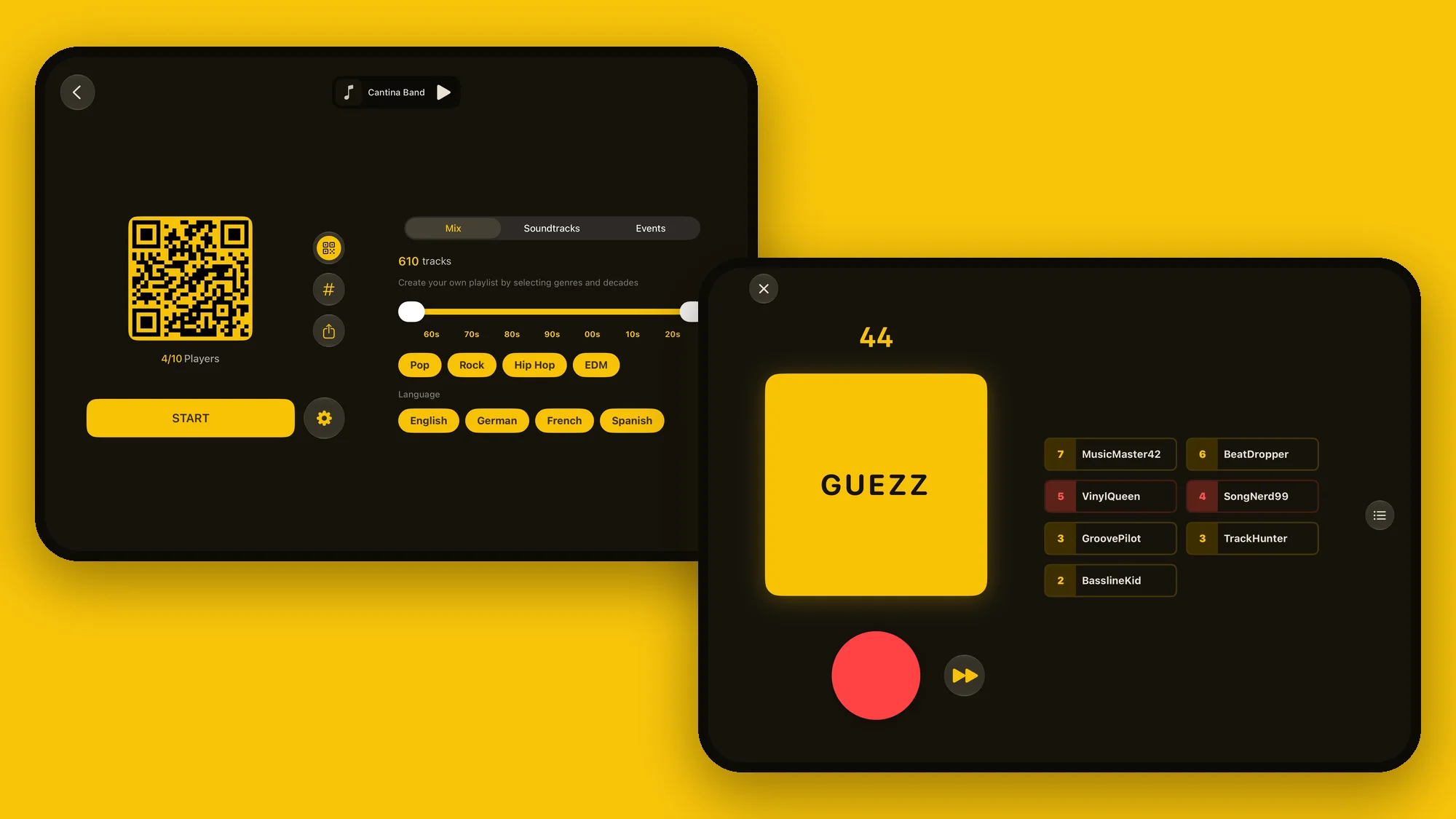
- Open, like a book. This is the new part. The screen is wider than it is tall, and Guezzer splits into two halves. In the lobby, the QR code for joining and the START button sit on the left, and the song picker sits on the right: decades, genres, languages, all visible at once. In a round, the song card and the big red buzzer are on the left, the scoreboard on the right.
- Half open. The two halves line up with the two pages. Nothing lands on the fold. No button on the crease, no player name bent down the middle.
- Open and turned a quarter. Now the screen is taller than wide, and you get one column again, just bigger: a larger song card, the scores in a grid under it, and a buzzer you can't miss.
So, did we just stretch the phone layout? No. Every screen got looked at on its own, and the buzzer always stays on the side with the song.
What changes on the iPad
The iPad gets the same two halves in landscape, whichever way up it's standing. In portrait it's the one big column. Rotate it in the middle of a song and the round keeps running, timer and all.
It also runs in a resizable window now. Drag the window narrower and Guezzer rearranges itself on the spot: wide enough, two halves; too narrow, back to one column. And an iPad can host a local game exactly like an iPhone, as long as it has an active Apple Music subscription. Sarah's speaker setup finally makes sense.
And on Android
The Android app is the buzzer for local games: you join the host's room, you buzz, you check the results and your profile. Hosting stays on Apple devices. Within that, Android tablets and unfolded foldables now rotate and use the same side-by-side layouts, and on a half-open foldable the two halves keep clear of the hinge. Android phones stay upright, same as iPhones.
Where it falls short
Three honest ones.
- No tabletop mode yet. Turn the open Duo a quarter, fold it half shut and stand it on the table like a tiny laptop, and nothing clever happens. You get the tall column, running straight across the bend. Same on Android foldables. It's on our list.
- Regular phones stay upright. Turn a normal iPhone sideways and Guezzer doesn't follow. That's on purpose: a buzzer race wants one grip and one thumb.
- A big screen isn't a shared buzzer. It makes a great host device. It doesn't replace the phones: everybody still buzzes on their own.
Tips that aren't obvious
- Host from the biggest screen in the room. In the lobby, the join code stays up on the left while you fiddle with decades and genres on the right, so latecomers can scan in while you're still arguing about whether the 2010s count as oldies. New to hosting? Start with how to play Guezzer.
- Give the quizmaster the iPad. If you play with a Game Master, prop the iPad up like a quiz show desk and judge from there. It beats squinting at a phone while three people shout answers at you.
- Turn the cameras on. In an online game with video, your friends' tiles get the whole right half instead of squeezing into one column with everything else.
- Share the iPad. With Guezzer in a window, the group chat fits next to it. Handy when half the table is still on the way.
The short version
On a phone, nothing changes. Open an iPhone Duo like a book or stand an iPad on its side, and Guezzer turns into two halves: the song and the buzzer on one, everything else on the other, and nothing on the fold. Tabletop mode is still owed.
Mike has stopped tilting his head. He still says Franz Ferdinand.