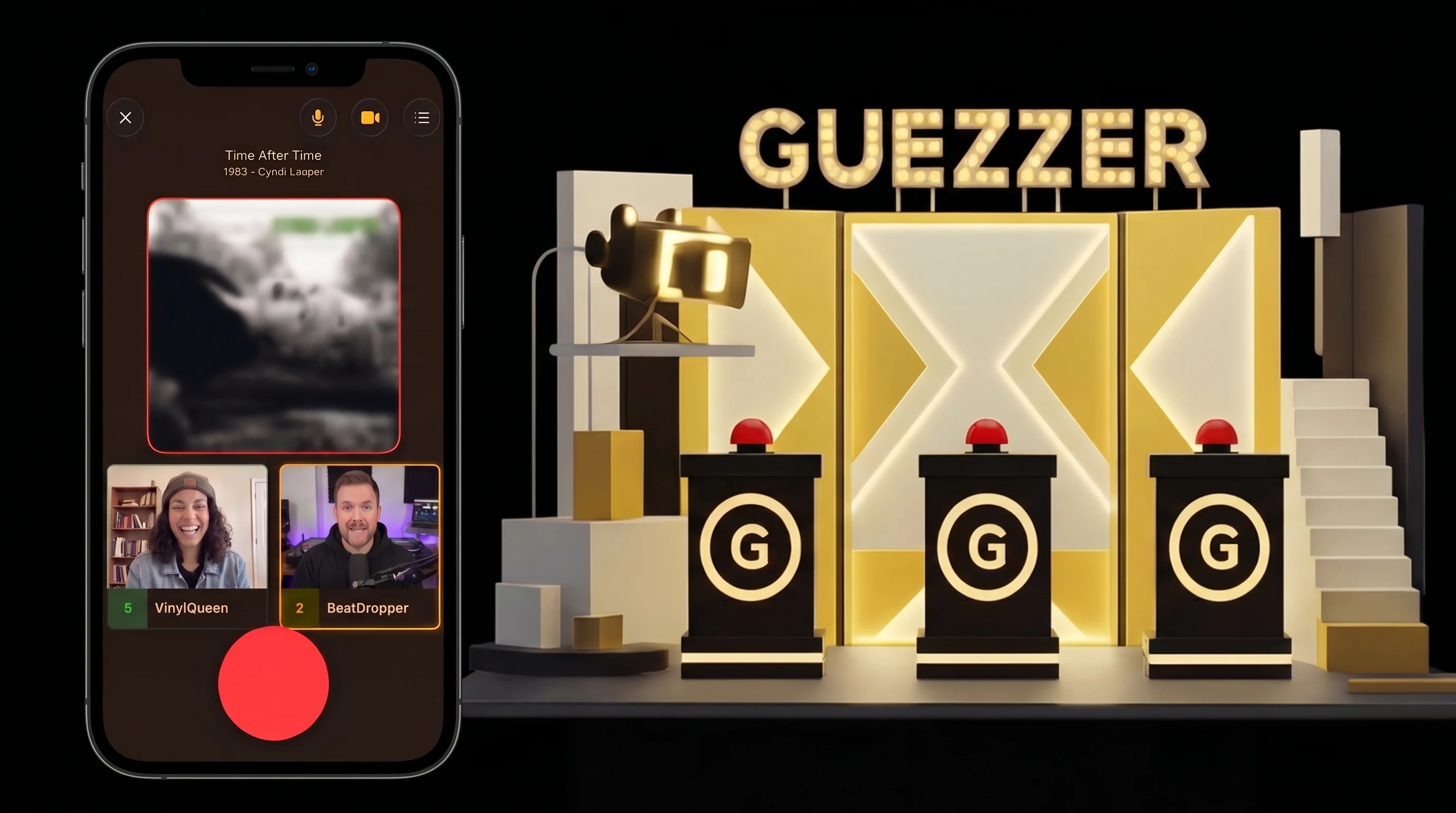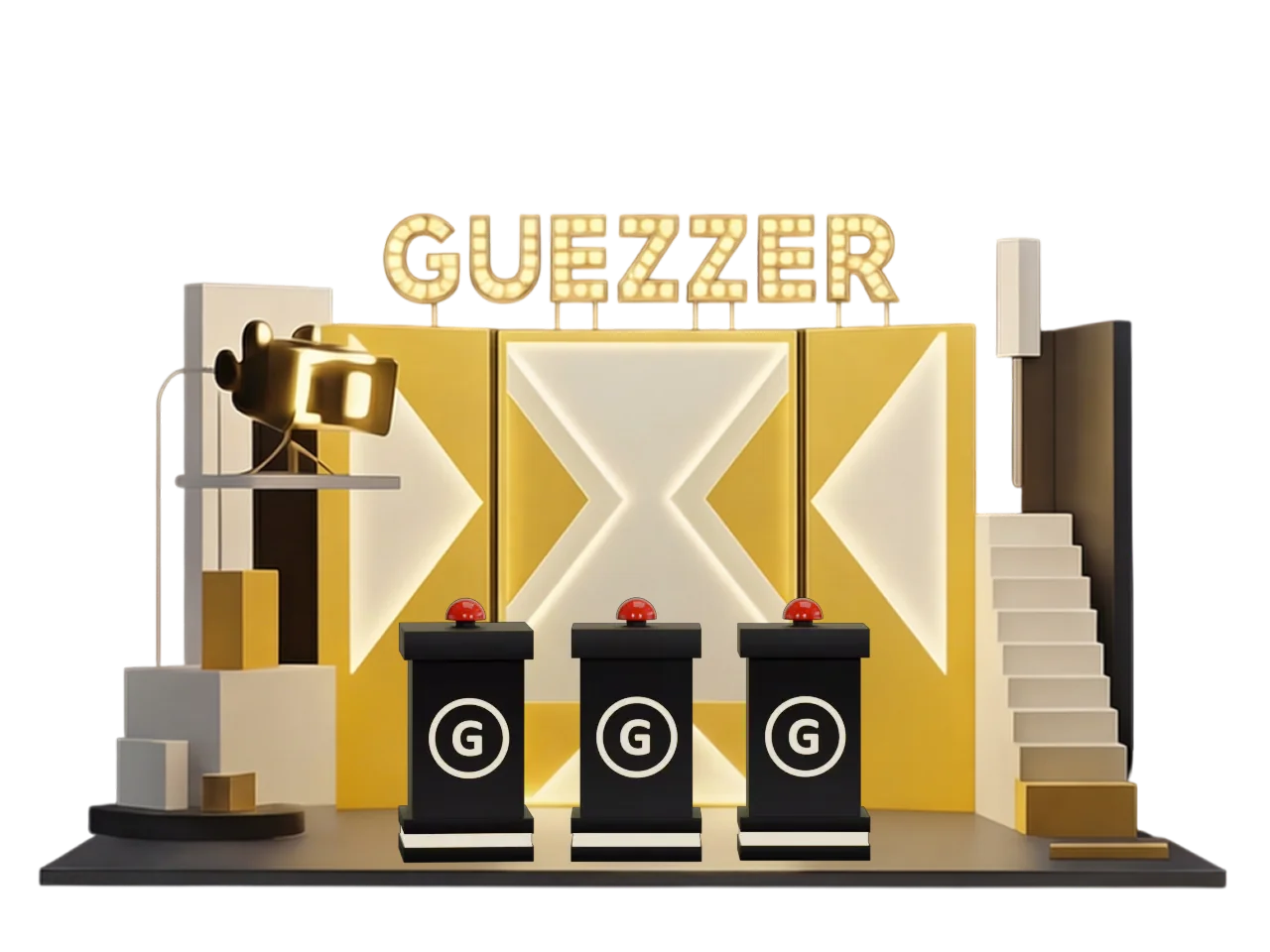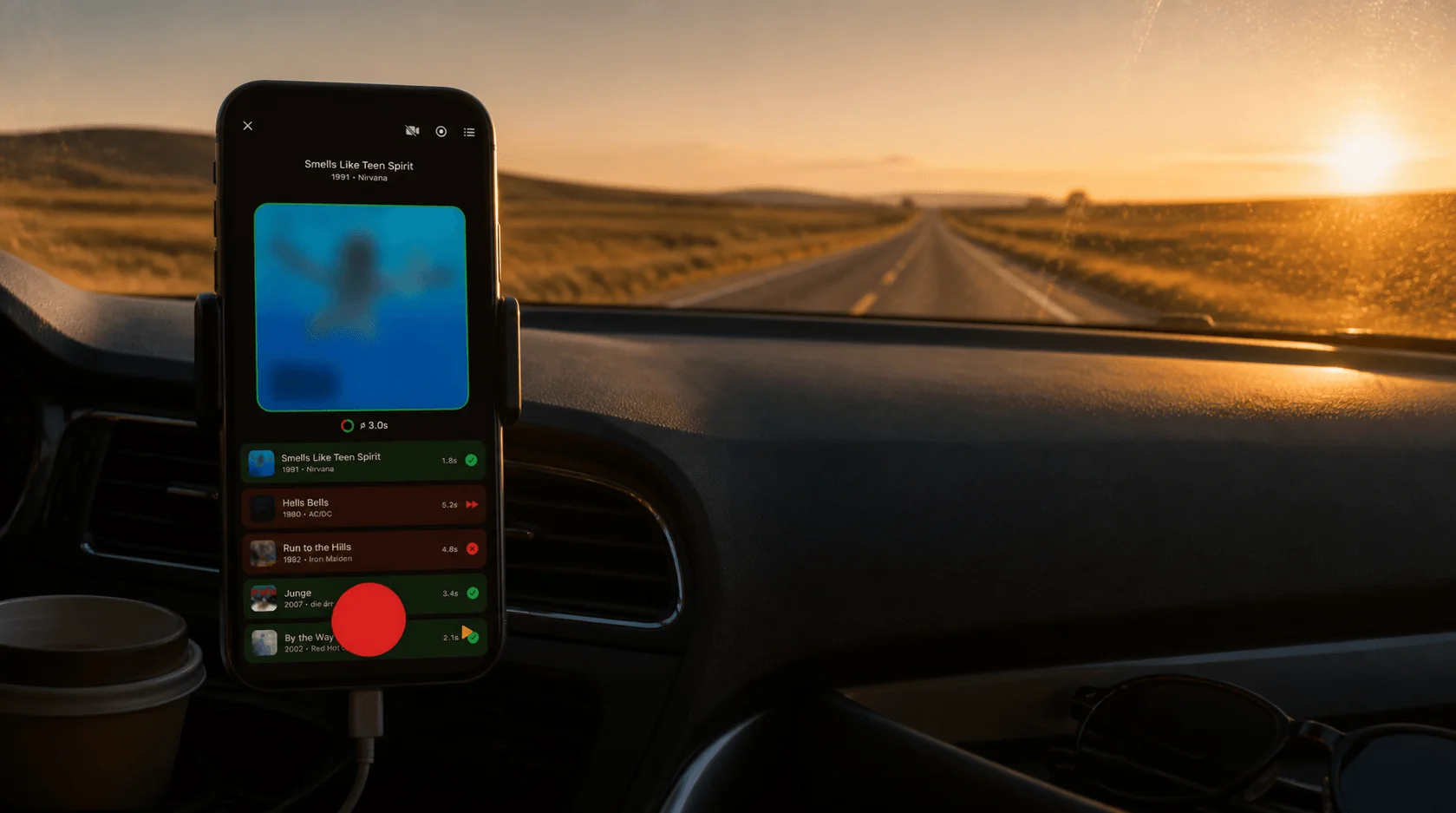
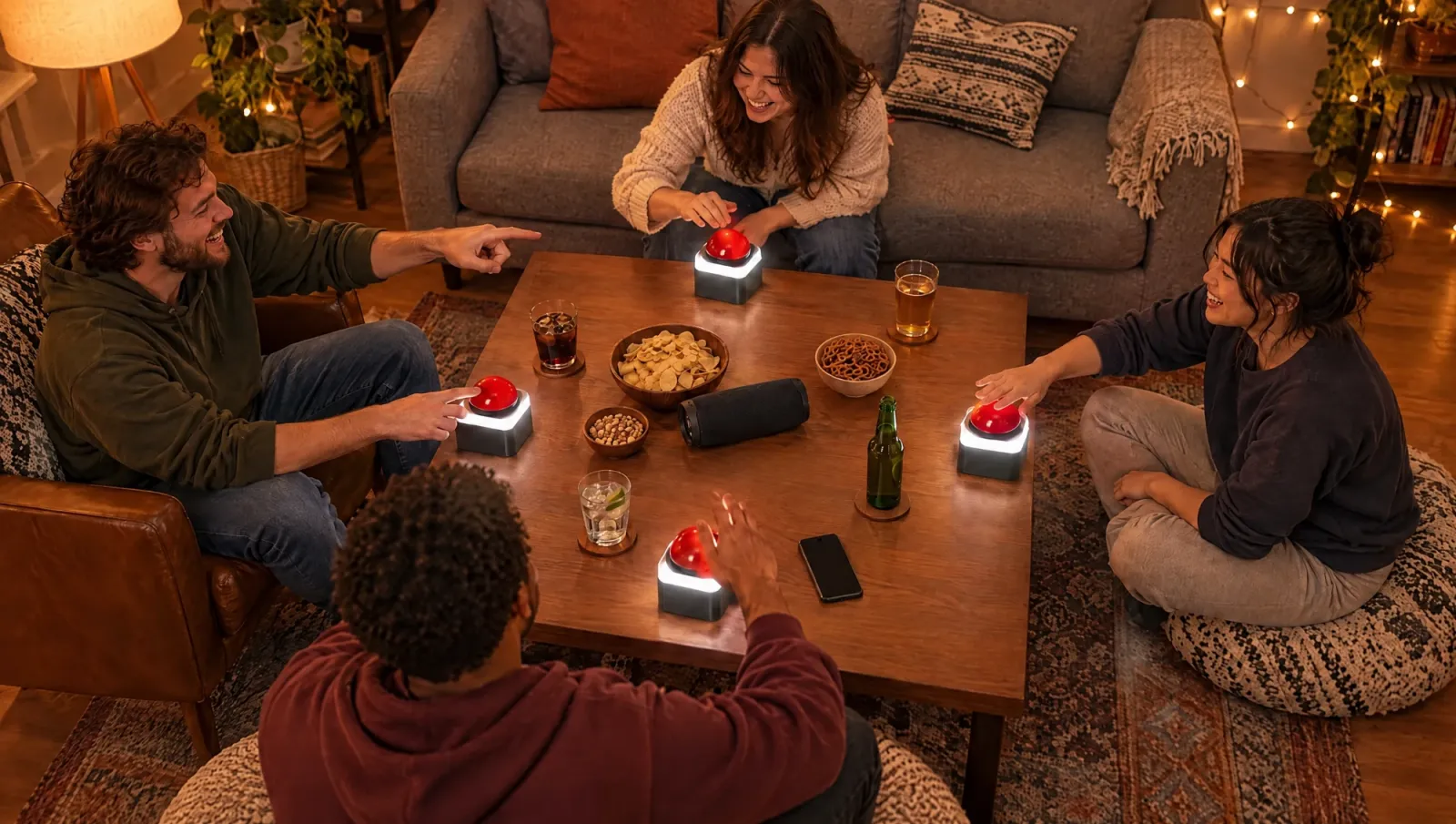
Here is a small secret about the name. Guezzer is guess plus buzzer. The whole app started from one picture: a TV game show, a row of contestants, a big red button in front of each of them, and a song that everyone half-knows. First hand on the buzzer gets to answer. Everyone else groans.
That picture is also the best way to play a music quiz at home. Not everyone guessing on their own phone in silence, but a proper game show: one quizmaster, a few contestants, and a race. This post shows how to set that up with Guezzer today, and gives you a first look at something we have been building on the side: a real, physical buzzer.
What makes a music quiz a game show
Three things, and you already know them from TV:
- A quizmaster who does not play. Somebody has to run the show, keep the pace up and rule on close calls. That person cannot also be competing.
- Contestants facing each other. Not a row of people staring at their screens. Around a table, where you can see who buzzed and who is bluffing.
- A buzzer race. Recognizing a song is not enough. You have to be faster than the person across from you, and then you have to actually say it out loud.
The plain version of Guezzer, described in how to play Guezzer, is a race where everyone plays and everyone judges themselves. The game show version adds the quizmaster.
The Game Master: your quizmaster in the app
In the lobby of a local game there is a setting called Game Master. Turn it on, and the host stops being a player. You host the game and judge every guess by ear: the song plays from your iPhone, a contestant buzzes, shouts the answer, and you decide right or wrong. Your phone shows you the answer, and it stays hidden if you record your screen or mirror it to a TV.
If you would rather not be the judge, turn on the AI Game Master instead. Your phone lies in the middle of the table, listens to the answers, and the AI decides. It is good, but not perfect with mumbled answers, so a human quizmaster is still the more entertaining option for a loud room.
The Game Master setting exists for local games only, where everyone is in the same room. For friends in other cities there is online multiplayer, which runs without a quizmaster.
How to play it today
The version that works right now:
- The host picks a playlist on an iPhone with an active Apple Music subscription. That phone plays the music, ideally through a speaker.
- Turn on Game Master in the lobby.
- Contestants join by scanning the code with their own phones, iPhone or Android. Their screen becomes a big red buzzer.
- Seat everyone around the table, not in a row on the sofa. It is a game show: people should see each other.
- Play. Song starts, first buzz wins the right to answer, the quizmaster rules, next song.
Guezzer is free, and local games with up to four contestants are free. The quizmaster does not count toward that. For a bigger group you need Guezzer Pro.
The buzzer we are building
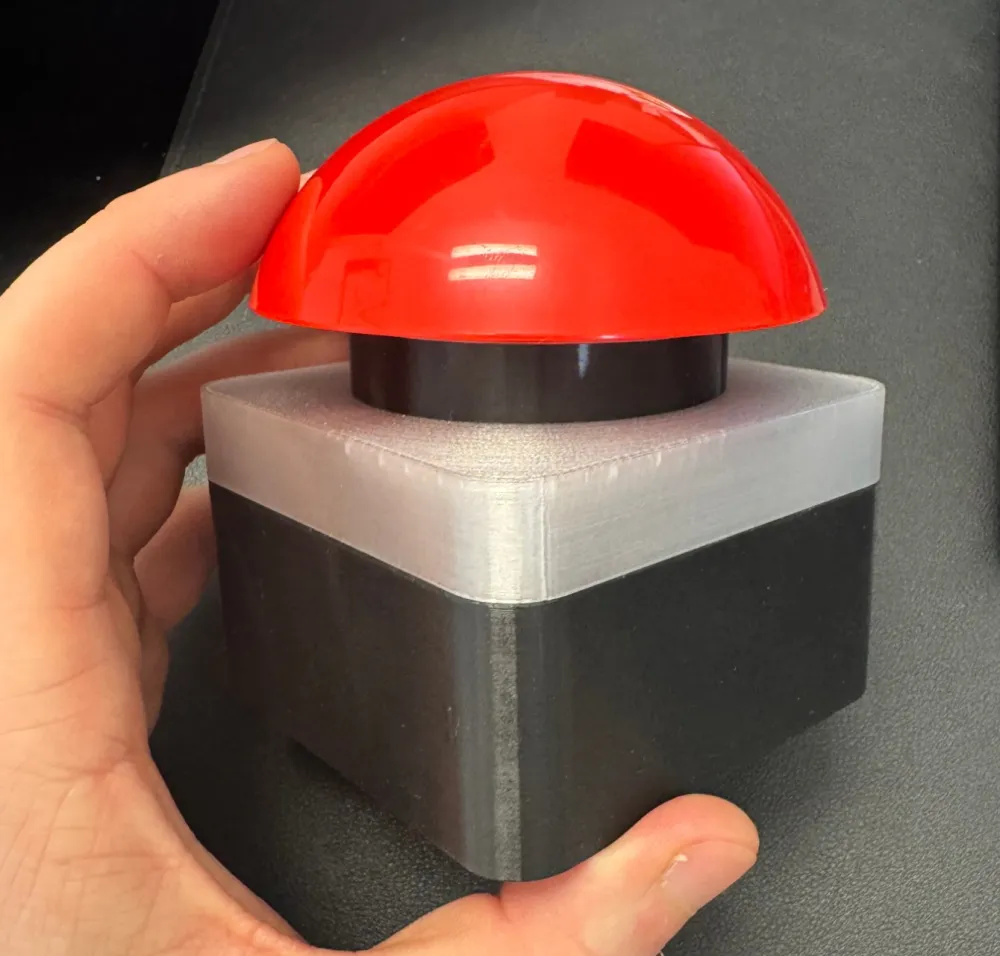
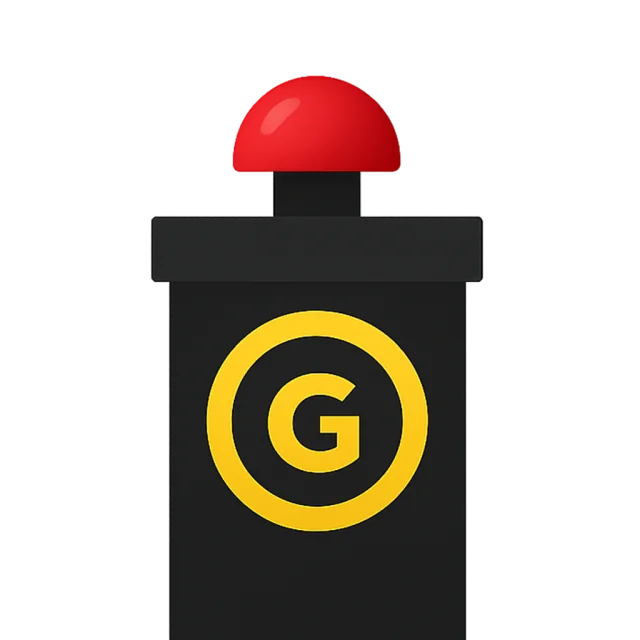
A phone screen works as a buzzer. A real button works better. There is something about slamming a big red dome that no touchscreen can match, and a quiz where nobody looks at their phone feels different.
So we built one. The photo above is the real prototype: a glossy red dome on a square base, 3D-printed, with a frosted ring under the dome that lights up. The image at the top of this post is a concept render of where it is heading.
The ring tells each contestant what is going on:
- Steady white. The song is running, you can buzz.
- Pulsing white. You were first. Your turn to answer.
- Green. Correct.
- Red. Wrong. You are out for this song.
- Spinning gold. Pairing, or the quizmaster pressed "Find buzzer" to see whose is whose.
There are two ways to use it. A buzzer can be paired with your own phone in the Profile screen and then simply replaces the button on screen. Or, in a Game Master game, the host adds buzzers as buzzer players: the buzzer connects to the host's iPhone and appears in the game under a name, like any other player. That contestant needs no phone at all. Three friends, three buzzers, one iPhone, and the only screen at the table belongs to the quizmaster.
That is also what makes a music quiz without internet work as a group game: offline rounds run as a Game Master game with buzzer players, since no phones can join without a connection.
Can I get one?
Honest answer: not yet. The buzzers are a working prototype, not a product. They run in our own game nights, they get firmware updates from the app, and they are not for sale.
If you want one, tell us. Open Guezzer, go to Profile, then Help, and send us a message under Feature wishes. It takes ten seconds, and every message tells us whether we should build more than a handful.
Tips for a good game show night
- Pick a quizmaster who enjoys it. The best ones pause before revealing, tease the contestants, and keep the next song coming fast.
- Title plus artist. Title only is too easy for a game show. Make them say who sings it.
- Seven correct to win. Long enough for a comeback, short enough for a second show.
- Swap the quizmaster between games. Everyone gets to play, and everyone gets to enjoy the power.
- Let the loser pick the next playlist. Revenge rounds make the best television.
The honest one-liner
Guezzer was always meant to be guess plus buzzer. The Game Master setting turns any evening into a game show today, with phones as buzzers. The real buzzer is still in the workshop. If you want to slam one at your next game night, tell us in the app.