Every music quiz app has the same weak spot: the moment the signal drops, the game is over. Holiday home in the mountains, a flight, a campsite two valleys away from the nearest tower, that one cellar bar with concrete walls - exactly the situations where a party game would be most welcome are the ones where a streaming app gives up.
Guezzer now has an answer. You prepare a song pack while you are still online, and after that the game runs on your iPhone alone. This post covers what actually works without a connection, what does not, and how to set it up before you leave. The buzzer mechanics themselves are unchanged, so if you are new to the game, start with how to play Guezzer.
What runs offline, and what does not
Worth being precise here, because "offline mode" in most apps means "the menu still opens":
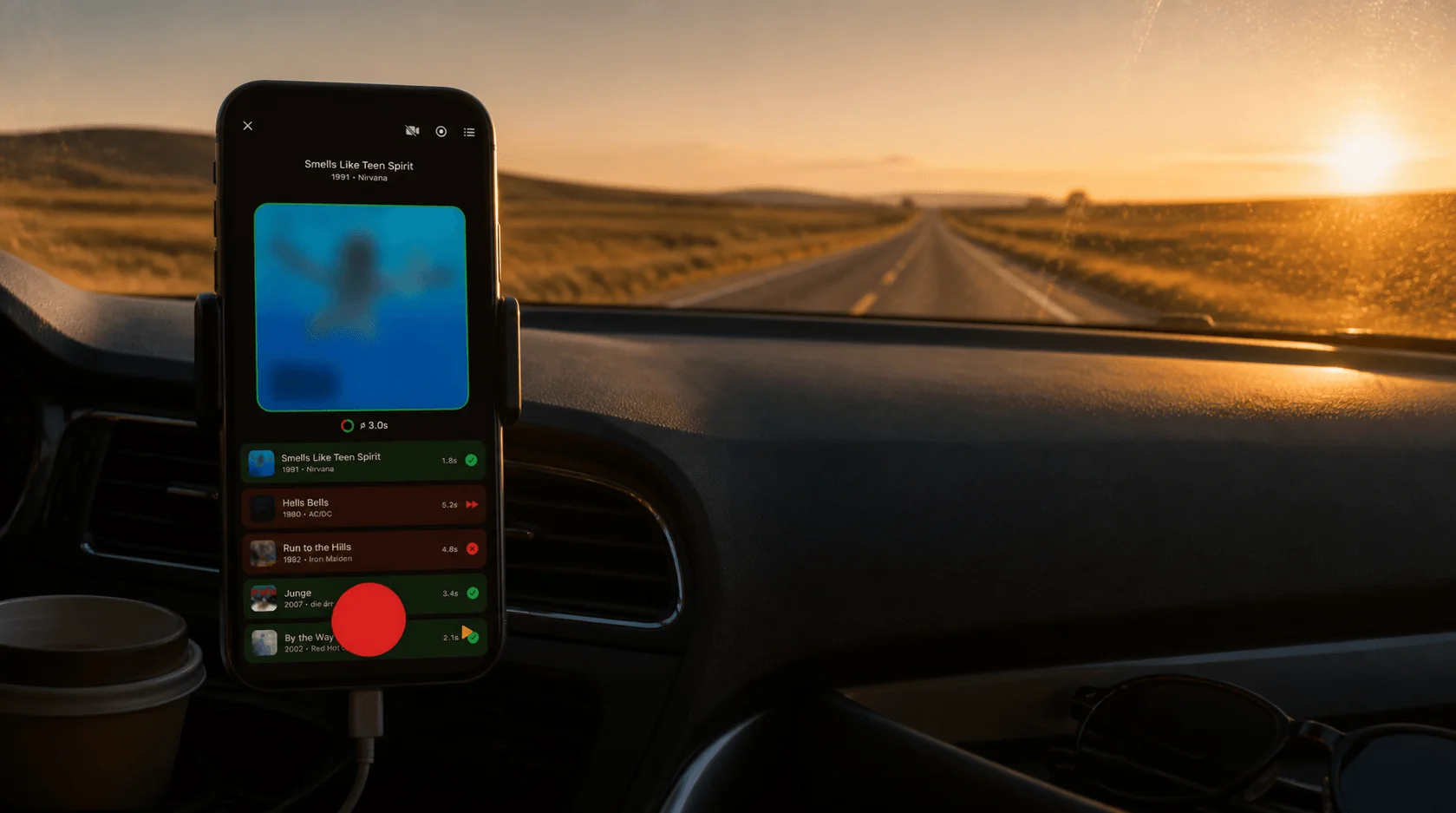
- Training runs offline. The full Training mode - playlist, real songs, buzzer, your own verdict on each guess. For most people this is what offline mode means.
- Local rounds run offline in the game master setup. You host and judge, the songs play from your phone, and everyone else buzzes in on a paired buzzer. Those buzzers are still a prototype and not for sale yet - here is what they look like.
- Joining by phone does not. No room code, no QR code, no second phone joining the game. Those all run through the server, which is exactly what you do not have.
- The Daily Challenge does not. The Daily Challenge is the same seven songs worldwide, ranked against everyone else, so it needs a connection by definition.
- Online multiplayer does not. Obviously. Everyone in the room is somewhere else.
- The AI game master does not. Offline rounds are judged manually - you or the game master decide what counts.
- iPhone only. The songs come from Apple Music downloads, which is an iPhone feature. Android stays a companion app for joining local games in the same room.
Preparing the pack takes one wifi session
The whole preparation happens under Profile, in the Offline Mode section. It runs once, and you only repeat it when you want different music:
- Pick your categories. Decades, genres, artists, specials - the same building blocks the playlist builder uses.
- Check the numbers. Guezzer shows the song count and the estimated storage for your selection before anything downloads. This is the moment to trim.
- Start the preparation. Guezzer matches each song on Apple Music, adds it to your library, and pulls the cover art. Keep the app open until that part finishes.
- Let the downloads run. The actual audio downloads happen through Apple Music in the background. The pack screen counts them for you: 84 of 120 songs downloaded, and so on.
- Wait for Ready. Preparing, Incomplete and Ready are the three states. Ready means every song in the pack is on the phone.
If the counter sits still at zero, Automatic Downloads is switched off. Settings > Music, turn it on, and the pack fills up. Guezzer flags this for you rather than leaving you guessing.
Two things Apple decides, not us
Offline playback runs on Apple Music downloads, and that brings two rules worth knowing before you start:
- The songs land in your Apple Music library. They show up next to your own music, and they stay there even if you delete the pack in Guezzer later. Apple provides no removal API, so if you want them gone, you remove them in the Music app.
- Go online roughly every 30 days. Apple revalidates the subscription behind downloaded songs on that cadence. A two week trip is nothing to worry about. A whole summer off-grid, and the downloads will stop playing until you connect once.
Neither is a Guezzer setting we can flip. Both are shown in the app before you confirm the pack, and now you have read them twice.
Playing without a connection
Once the pack says Ready, the Training tab and the Multiplayer tab each grow one switch, labelled simply Offline. Flip it, pick your playlist, start.
A few things behave differently in an offline round:
- Missing songs get skipped. Freed up storage since your last trip? Guezzer counts the songs that are no longer downloaded and simply leaves them out of the pool, or sends you to the pack screen to fix it.
- Judging is manual. No AI evaluation without a server. In Training you tap correct or incorrect yourself; in a local round the game master rules on every guess by ear.
- Nothing is saved. No records, no cassettes, no leaderboards, no stats. The round lives on the device and ends when you close it.
And when the phone is genuinely offline, Guezzer notices. Instead of a socket timeout and a spinner, you get an offer: no internet, play offline?
Where this actually pays off
The situations are more common than they sound:
- Flights. Airplane mode, headphones, Training for the length of a European hop.
- Holiday homes. The kitchen with one bar of signal that vanishes when someone opens the fridge.
- Road trips. Passenger holds the phone, driver shouts answers, nobody is watching a loading spinner.
- Cabins and campsites. Full evening of music quiz where the nearest router is 40 kilometers away.
- Festivals. 30,000 people on one cell tower means you effectively have no connection at all.
This is also the last real advantage a box of cards had. Hitster never needed infrastructure, and that was a fair point in its favor - except Hitster plays through Spotify, which needs a connection too. A prepared Guezzer pack does not.
Tips before you leave
- Prepare the night before, on wifi. Downloads over cellular work but eat data, and the pack is not something you want to build at the gate.
- Two or three categories, not everything. A tight pack downloads faster, fits in less storage, and gives you a sharper mix. You can always refresh it later.
- Check the counter before you leave the house. Ready is Ready. Incomplete means some songs will be missing on the plane.
- Refresh when you are back online. The refresh adds newly available songs, drops the ones no longer offered, and rechecks every download.
- Plan the round around one phone. Offline means no phone joining, so a group evening runs as a game master round or as Training passed from hand to hand.
The honest one-liner
Offline mode is not a lesser version of Guezzer - it is the same rounds with the server cut out, at the price of some preparation and no saved progress. Online is where the Daily Challenge, the leaderboards and the ladders live. Offline is where the game keeps working when nothing else on the phone does.
Prepare a pack on the evening before your next trip. The plane is a long way to fly without music quiz.