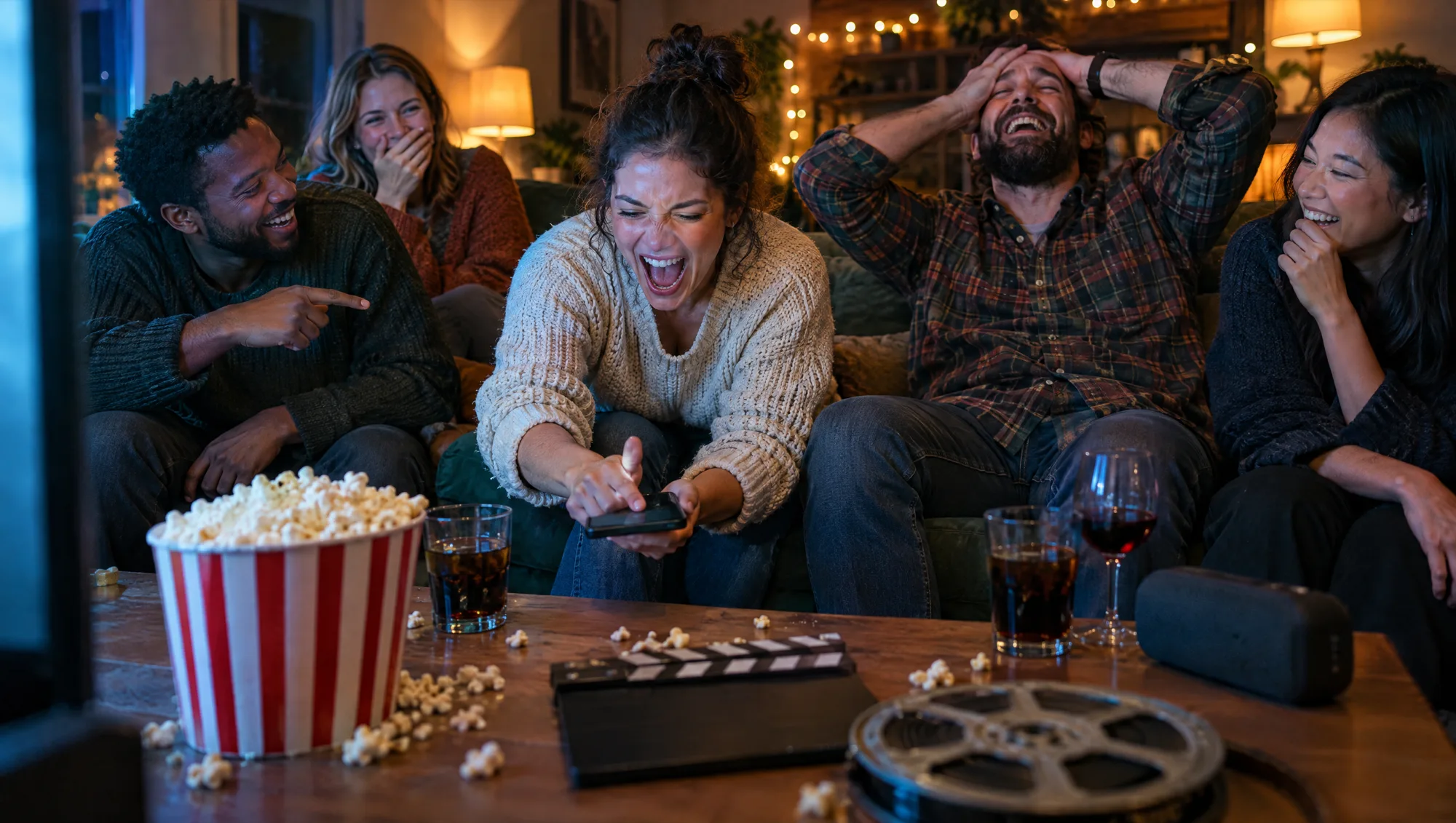
Last month my friend Tom buzzed in after about two seconds of a synth intro, shouted "Kate Bush!" and looked very pleased with himself. Wrong answer. The round wanted the show, not the singer. Priya buzzed right after him and said "Stranger Things", and Tom spent the next ten minutes explaining that "Running Up That Hill" came out in 1985, long before anyone in Hawkins fought a monster. He was right. He also lost the point.
That's the movie soundtrack quiz in one scene. Everybody knows the songs. The race is about who knows where they were used. This post is about hosting one at home: how the format works, how to set it up, and the rules that keep a film night fun past the first ten songs.
Why a soundtrack quiz plays differently
A normal music quiz asks what the song is called. A soundtrack quiz asks a sideways question: where have you heard this before? That changes who wins.
- Film fans get their revenge. The friend who never knows a band name suddenly wins, because they've watched every 80s teen movie twice.
- Songs you know become hard. "Stayin' Alive" (1977) is easy to name. Remembering that it's Saturday Night Fever, and saying it before anyone else, is a different skill.
- TV shows level the field. Younger players know the series, older players know the films. A mix of both gives every generation a chance.
Worth the switch? If your group has heard every regular music quiz you own, absolutely.
How it works in Guezzer
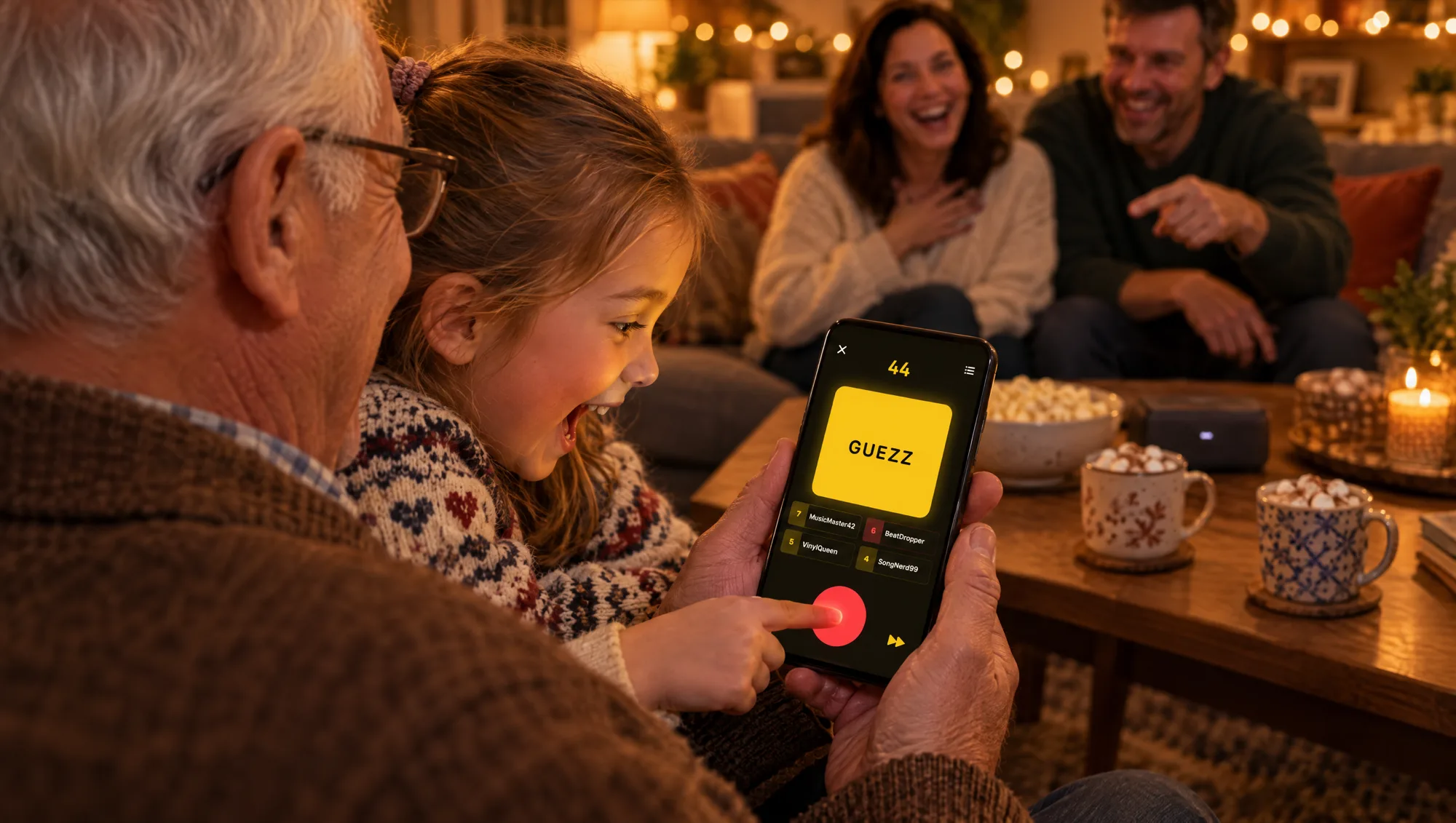
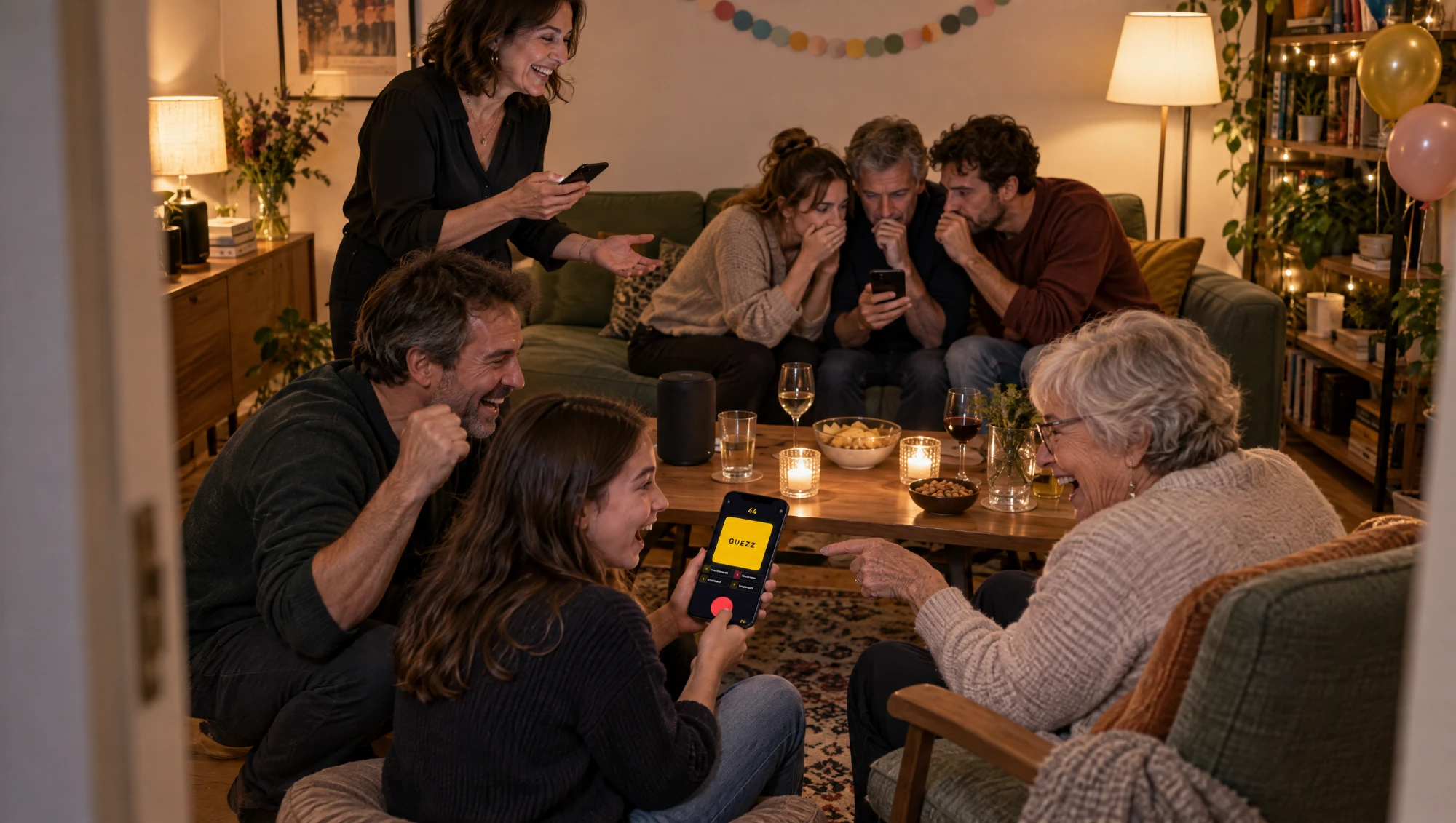
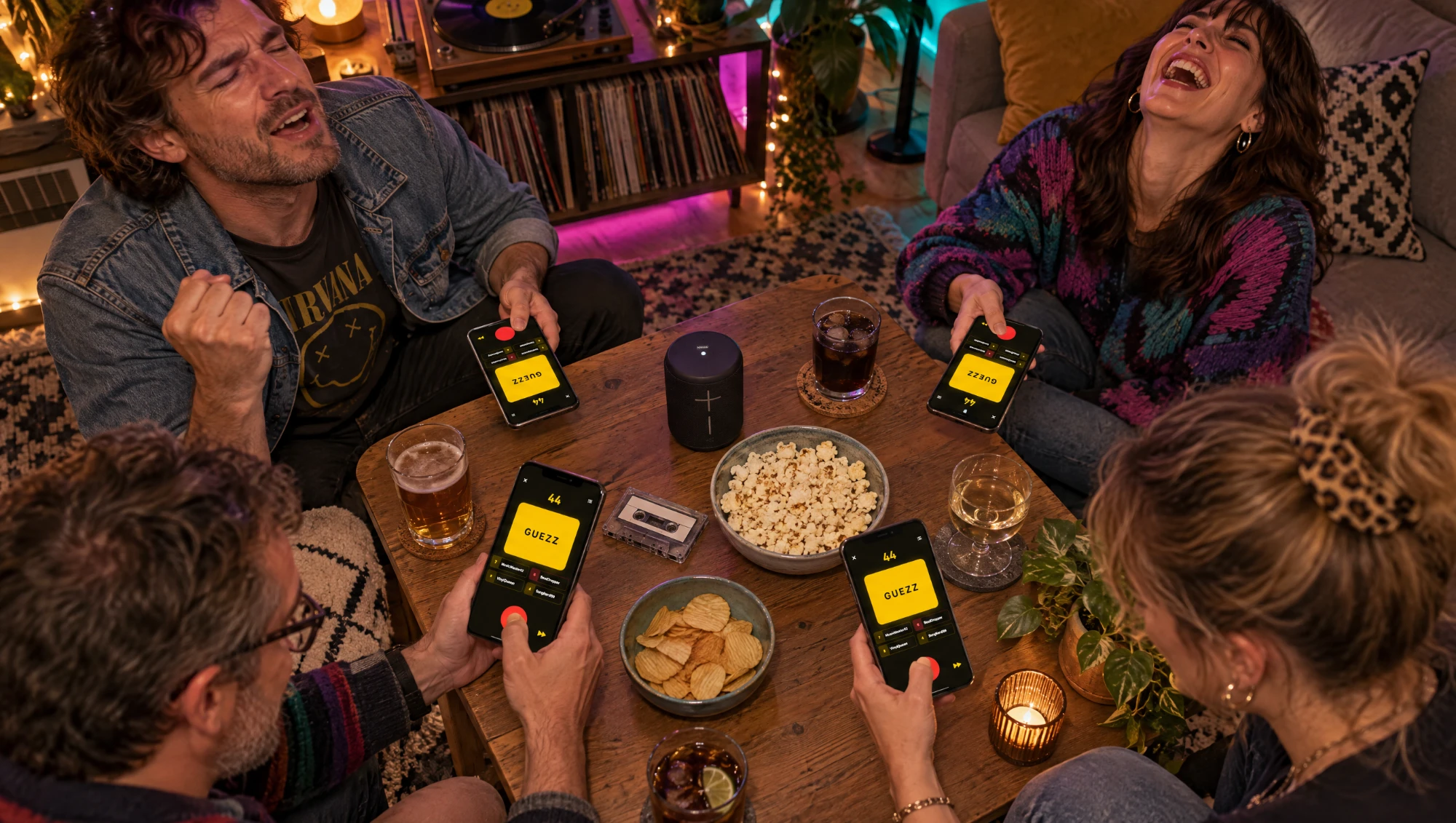
Guezzer is the music quiz app we make. The host runs the game on an iPhone with an active Apple Music subscription, because the songs play from that phone. Everyone else joins on their own phone, iPhone or Android, and their screen turns into a big red buzzer. The basics are in how to play Guezzer.
For a film night, the part that matters is the Soundtracks tab in the lobby:
- Open the Soundtracks tab. It holds songs from popular movies and TV shows, both together. The track counter shows how many songs are in the pool.
- Pick your win target. Five, seven or nine correct answers to win.
- Choose how guesses are judged. Manual evaluation, where the buzzing player sees the right answer and judges their own guess, or AI evaluation.
- Start the game. Friends scan the code and the first song starts.
That's the default on this tab: the question is the film or the show, so nobody gets a point for knowing the band. Ask Tom. Just leave the Difficulty toggles in the game settings alone. Switch on Title or Artists and the round turns back into a normal name-the-song quiz, only with film songs.
Rules that work for a film night
The app handles the scoring. The house rules are yours. These are the ones we'd use:
- Seven correct to win. Soundtrack rounds are slower than normal rounds because people need a second to connect song and screen. Seven gives everyone time to warm up.
- Original title or local title both count. If someone says the German title of a film you only know in English, take it. You're there to have fun, not to run a translation exam.
- Show or film, not the scene. "The bit where they dance in the diner" is a great description and zero points. Name it.
- A Game Master for a big crowd. With a lot of people in the room, turn on the Game Master setting and let one person judge every guess by ear, like a TV host. Our post on hosting a music quiz game show has the full setup, and for a really big group split into teams as in our team music quiz guide.
Tips for a better soundtrack night
A few things we learned the loud way:
- Turn the volume up. Film songs often start quietly. A speaker in the middle of the room means the person on the far end of the sofa still has a fair chance.
- Short games, many of them. Three games to five feel better than one long marathon, and the loser of each game picks the snacks for the next.
- Ban humming as an answer. Humming the melody back is not naming the film. It happens every single time.
- Mix the room. Put the film buff next to the music nerd. The arguments are half the fun.
- Watch the end credits later. Somebody will insist a song was in a film it was never in. Settle it the next morning, not at 1 a.m.
Practice before the night
If one person wins every film night, they've probably been practising. Guezzer has a Soundtracks Challenge in solo mode: songs from movies and TV shows, replayable as often as you like, with its own leaderboard. It sits next to the Daily Challenge, which we cover in our Daily Challenge guide. Like every solo mode it needs an iPhone with an active Apple Music subscription.
What about Hitster's Movies and TV edition?
Fair question. Hitster has a Movies and TV soundtracks edition, and it's a good box. The game is different, though: you scan a card, listen, and place the song in a timeline by its release year. In Guezzer nobody places years. You buzz and name the film or show, and the fastest correct answer wins the point.
If your group loves timelines and cards on the table, Hitster does that well. If you want a buzzer race with no setup, Guezzer fits better. We compare both honestly in Guezzer vs Hitster.
Quick checklist before guests arrive
- Host iPhone with Apple Music, charged
- Speaker tested at full volume
- Soundtracks tab picked, win target set
- House rule on local film titles agreed
- Guests told to install Guezzer before they come
- Popcorn, obviously
Guezzer is free, and local games with up to four contestants are free. For a bigger group you need Guezzer Pro. A game holds up to 10 players.
The honest one-liner
A movie soundtrack quiz rewards a different kind of knowledge than a normal music quiz, and that's exactly why it works: the film fan finally beats the music nerd. Open the Soundtracks tab, set seven to win, and let Tom explain the release year of every song while everyone else scores.