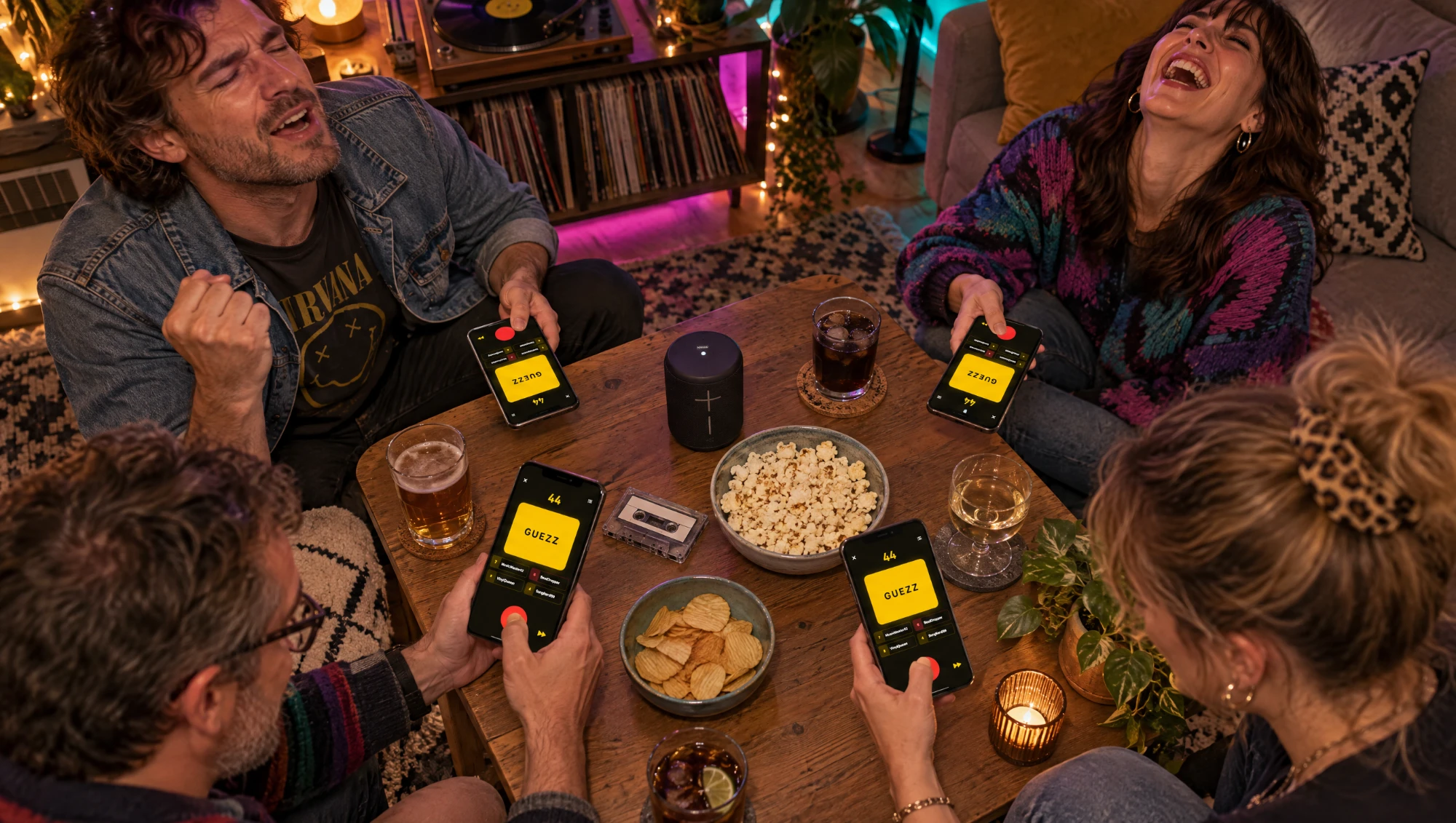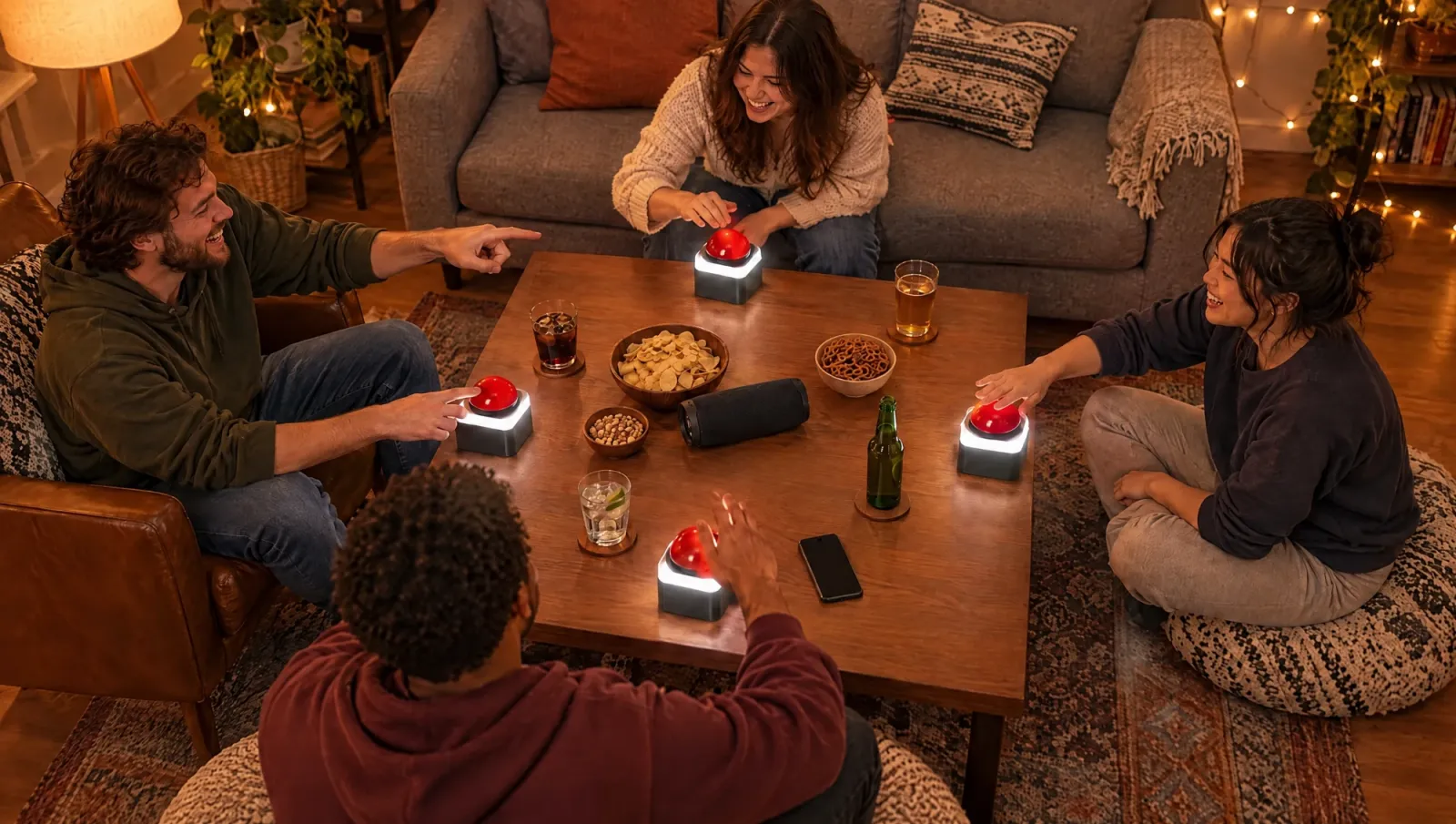
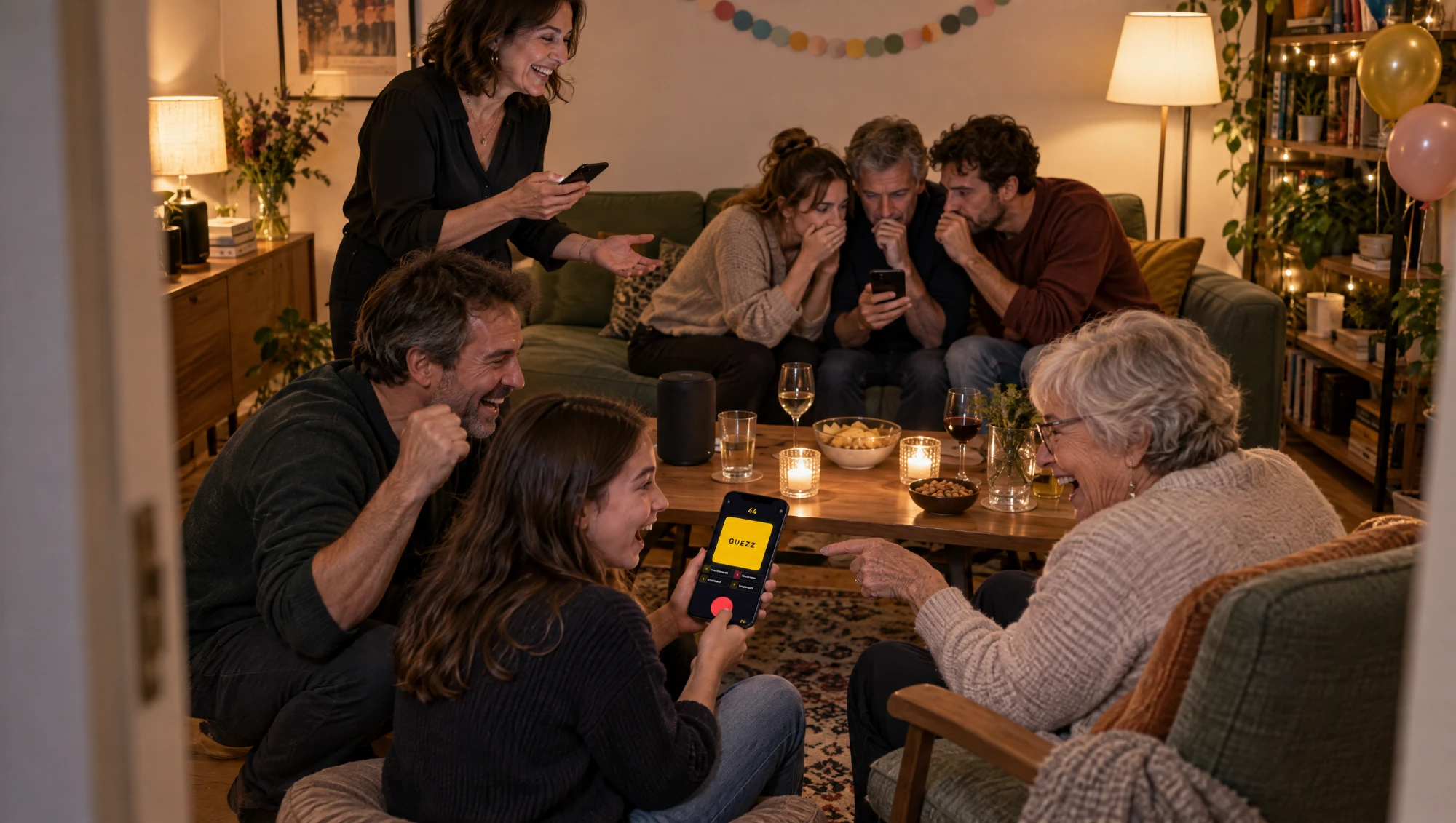
A music quiz with four friends runs itself. A music quiz with 25 people at a birthday party, a family reunion or an office get-together does not. Too many people, too many phones, and the one person who knows every song wins every round while everyone else stares at the snack table.
The fix is old and simple: play in teams. A team music quiz turns a crowd into a handful of loud, arguing huddles, and it gives the people who know nothing about music a job too. This post shows how to set one up so it actually works for a big group.
Why teams work better than everyone for themselves
Past ten or so people, a free-for-all quiz breaks. The fast buzzers dominate, the rest stop trying, and the room goes quiet by the fifth song.
Teams fix that:
- Everyone contributes. One person knows the 80s, another knows the charts from last summer, a third just recognizes the bassline. Together they know a lot.
- More noise, in a good way. Teams discuss, whisper, argue. That is the sound of a good party.
- No one is exposed. Getting a song wrong as a team is funny. Getting it wrong alone in front of 20 people is not.
- Fewer devices. One phone per team instead of one per person. Less setup, fewer people asking for the WiFi password.
Build fair teams
Teams decide whether the night is close or a blowout. Spend two minutes on them.
- Three to five per team. Smaller and you are back to a solo quiz. Bigger and the back row stops paying attention.
- Mix the ages. Put a teenager, a parent and a grandparent in one team. Their music overlaps less than you think, and that is exactly what makes them strong.
- Split the music nerds. If two people in the room own a turntable, they go to different teams.
- Do not let couples or best friends cluster. It is more fun to win with someone you just met.
- Give every team a name. It costs nothing and makes the scoreboard a lot funnier.
If you cannot be bothered, count people off by number: one, two, three, four, one, two... It is random enough.
One quizmaster runs the room
In a big group, somebody has to be in charge. That person starts the songs, watches who buzzed first, and decides whether an answer counts. They do not play.
In Guezzer, that is the Game Master setting in the lobby of a local game. The quizmaster hosts on their iPhone, and the music plays from that phone through Apple Music, so the quizmaster needs an active Apple Music subscription. Hook the phone up to a proper speaker. A phone speaker does not reach the back of a room with 25 people in it.
The quizmaster rules on every answer, or lets the AI Game Master do the judging. We wrote a whole post about hosting a music quiz like a TV game show, and everything in it works even better with teams.
One phone per team
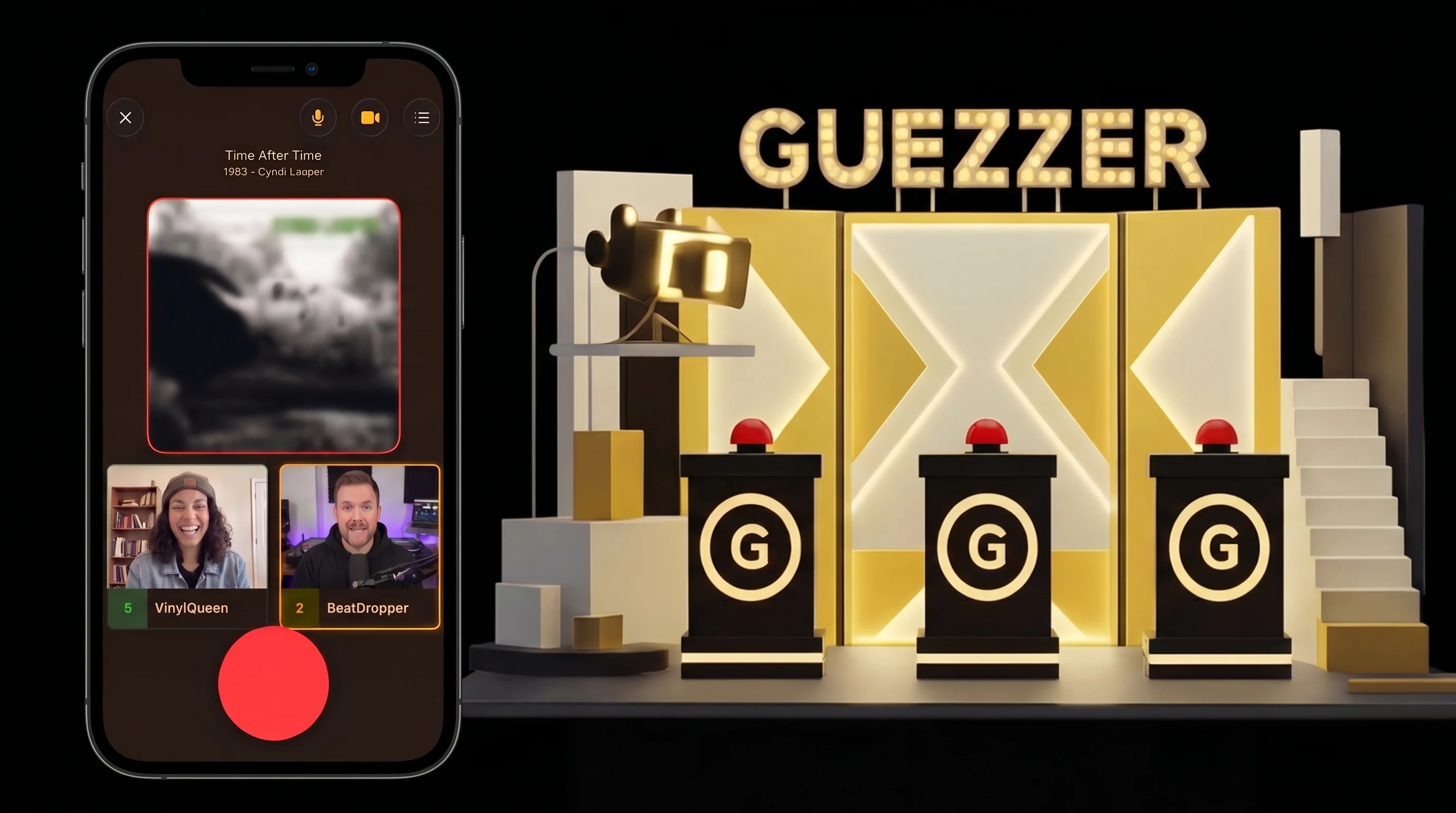
Here is the part that makes a team music quiz with Guezzer easy: every team uses one phone as its buzzer.
- Pick a team phone. Any phone works, iPhone or Android. Nobody on the team needs Apple Music or a subscription.
- Rename it. Before joining, the phone's owner changes the nickname in the Profile tab to the team name. Now the scoreboard says "The Back Row" instead of "Kevin".
- Join the game. The team phone scans the code in the quizmaster's lobby, like any other player.
- Choose a buzzer holder. One person holds the phone and hits the buzzer. Rotate after every game so nobody hogs it.
A Guezzer game holds up to 10 phones. With the quizmaster's phone, that leaves room for nine teams, which is enough for a party of 40. Local games with up to four contestants are free, and the quizmaster does not count as a contestant. So four teams plus a quizmaster cost nothing. From five teams on, the host needs Guezzer Pro. The basics of joining and buzzing are in how to play Guezzer.
Rules for a team music quiz
The lobby settings matter more with teams, because a team knows more than any single player. These work well:
- Title and artist. Title only is too easy for a team. Asking for the artist gives the quiet music nerd in each team a moment to shine.
- Seven correct to win. Long enough for a comeback, short enough that the room stays awake.
- A wide decade range. Mixed-age teams can handle the 70s to the 2010s. Use the decade slider in the Mix tab. If your crowd is all one generation, our 80s and 90s decades night post has ideas.
- Five seconds to answer. After a buzz, Guezzer starts a countdown. Leave the Answer Time setting at five seconds: enough to say a title and an artist, too short for a team huddle. If your crowd needs more air, pick seven or ten. A wrong answer puts the team out for that song, and the others keep listening.
One house rule is up to the quizmaster, not the app:
- One answer per team. If three people shout three different artists, the quizmaster takes the first one.
Keep a big room going
Big groups have a short attention span. A few tricks to stop the energy from dropping:
- Short games, several of them. Two or three games of seven beat one long marathon.
- Shuffle the buzzer holder. A new person on the phone every game keeps everyone involved.
- Loser picks the next genre. The losing team chooses the next theme in the Mix tab. Revenge rounds are always the loudest.
- Keep a running tally. Guezzer shows the score for each game. For the whole night, write the game winners on a sheet of paper next to the speaker.
- A small prize. A chocolate bar, a paper crown, the right to pick the next song for the after-party. It does not need to be big.
Quick checklist before the party
- Quizmaster's iPhone with Apple Music, charged
- A speaker loud enough for the whole room
- Teams of three to five, with team names
- One phone per team, Guezzer installed, nickname changed to the team name
- Rules decided: title and artist, seven to win
- Pro unlocked if you have more than four teams
- A pen, a sheet of paper, a small prize
The honest one-liner
A big group does not need a bigger quiz, it needs teams. Split the crowd into small huddles, give each one a phone and a silly name, put one person in charge of the music, and let the arguing do the rest.