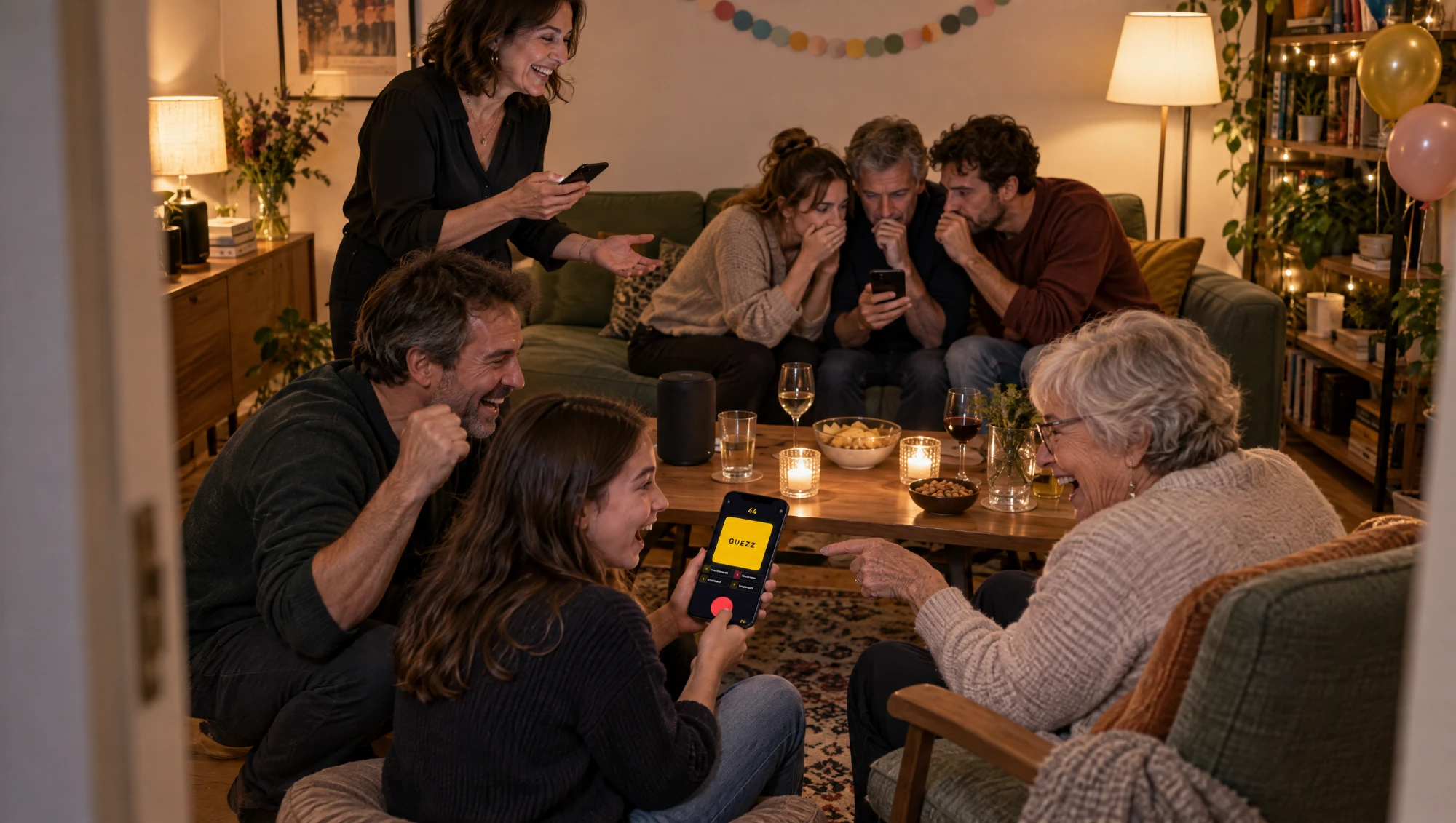
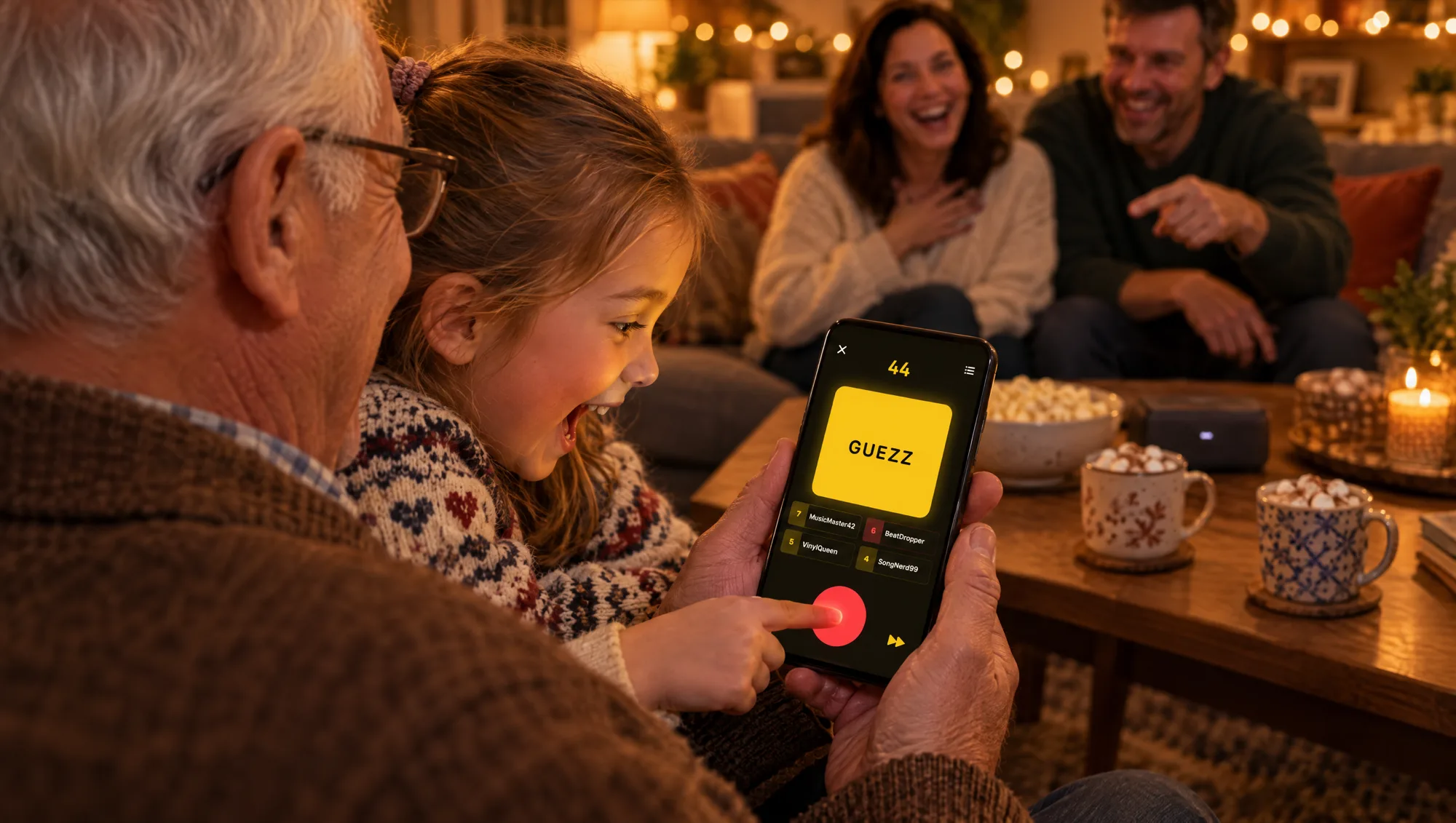
Every family has the same problem at game night. The kids want something fast, the grandparents want something they know, and the parents are stuck in the middle trying to find one game that does not end with somebody sulking. A family music quiz is one of the few games that can actually work for all of them, because every generation brings its own songs to the table.
It only works if the game is fair, though. Play the charts from last summer and grandma is out. Play the 70s and your ten-year-old is out. This post is about setting up a music quiz for kids, parents and grandparents where everybody has a real shot.
Why a music quiz works across generations
Most party games favor one age group. Word games favor adults, reaction games favor kids, trivia favors whoever read the most. A music quiz is different, because music knowledge is spread across the family in a way nothing else is:
- Everyone knows something. Grandpa knows the 60s by heart. Dad knows every 90s chorus. The kids know the songs from TikTok and from films they have watched twenty times.
- No reading, no writing. You hear a song, you hit the buzzer, you say the name. A six-year-old can do that.
- Speed is not everything. Kids are faster on the buzzer, but grandparents recognize their songs in the first two seconds. It evens out more than you would think.
- It is loud in a good way. Songs get sung along to, old stories come out, and somebody always insists they knew it first.
The trick is to set up the game so those strengths actually meet.
Pick music that belongs to everyone
The biggest mistake in a family music quiz is a playlist that belongs to one generation. Spread it out instead.
In Guezzer, the Mix tab in the lobby has a decade slider that runs from the 60s to the 2020s. For a family evening, pull the handles apart as far as your oldest and youngest player need. Grandparents born in the 50s are at home in the 60s and 70s, parents in the 80s to the 2000s, and kids in the 2010s and 2020s. If everyone is a bit younger, start the slider at the 80s.
A few more tips:
- Keep all genres on for the first game. You will find out quickly what this family actually listens to.
- Use the language filter if your family grew up with German, French or Spanish songs. It has a chip for each of them, plus English.
- Try the Soundtracks tab for a second game. Kids who know no artists at all often know every song from the films they love.
Our 80s and 90s decades night post goes deeper on matching decades to a room.
Rules that level the field
Guezzer asks the host for a few settings in the lobby. For a family, these are the ones that matter:
- Title only. Kids rarely know who sings a song. Asking for the title alone gives them a real chance. If your kids are older and the grandparents are the music experts, try artist only for one game and watch the tables turn.
- 10 seconds of Answer Time. After every buzz, Guezzer starts a countdown. The default is five seconds, which is fine for adults but tight for a small child or for a grandparent searching for a name they definitely know. Ten seconds takes the pressure off.
- 120 seconds per song. The Round Time setting decides how long a song plays before it is over. The longest setting gives slow recognizers time to get there.
- Five correct to win. Short games keep the youngest players on board. You can always play another one.
A wrong answer puts that player out for the rest of the song, and everyone else keeps listening. That rule is quietly great for families: the fast kid who guesses wildly loses the song, and the patient grandparent gets their turn.
Pair the youngest up
Here is the part that makes a family music quiz with Guezzer work even for small kids: nobody needs their own phone.
- Make pairs. Put the youngest child with a grandparent, or a teenager with a parent. Mixed-age pairs are strong, because they know different songs.
- One phone per pair. Any phone works, iPhone or Android. Nobody but the host needs Apple Music.
- Rename the phone. Before joining, change the nickname in the Profile tab to the pair's name, so the scoreboard says "Grandpa and Mia" instead of just "Grandpa".
- Let the faster hand buzz. Usually the kid hits the buzzer and the grandparent shouts the answer. That is teamwork.
If the family is bigger, turn it into teams of three or four. Our post on running a team music quiz covers that.
Let a parent run the show
With small kids in the room, it helps when one person is in charge. In Guezzer, that is the Game Master setting in the lobby of a local game. The Game Master hosts on their iPhone, the music plays from that phone, and they do not play themselves. Instead they judge every answer by ear.
That is useful in a family, because a Game Master can be generous. "The song from the lion film" might not be the exact title, but for a seven-year-old it can count. You decide where the line is. The Game Master does not count as a contestant, which matters for the free player limit below.
If nobody wants the job, the default works too: the player who buzzed sees the answer on their phone and confirms it themselves. For more on running it like a TV show, read our post on hosting a music quiz game show.
What you need
- The host on an iPhone with Apple Music. The songs play from that phone, so the host needs an active Apple Music subscription.
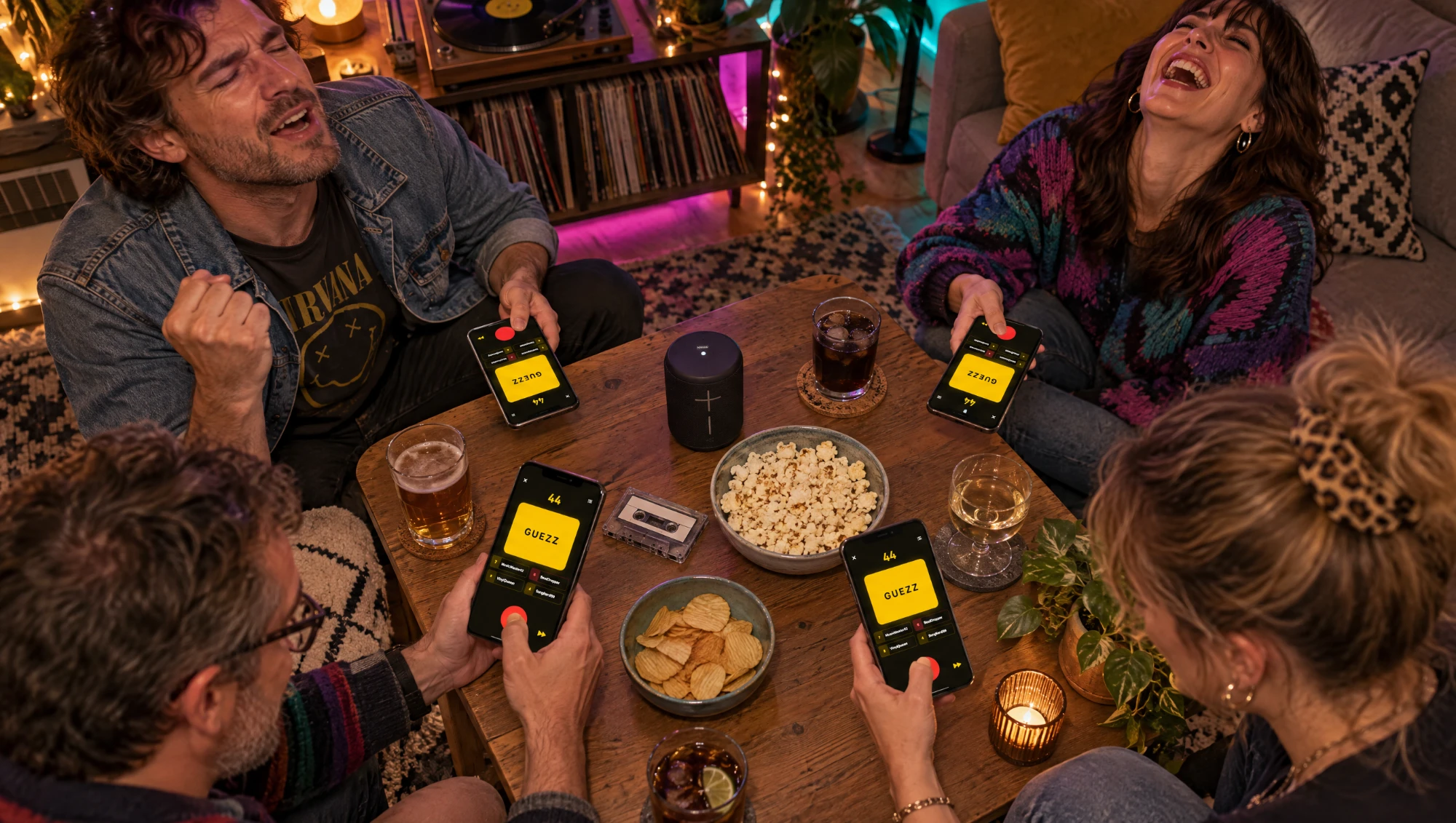
- A phone per player or pair. iPhone or Android, no subscription needed. The basics of joining and buzzing are in how to play Guezzer.
- An internet connection. WiFi is easiest. Guezzer streams the songs and keeps every phone in sync.
- A speaker. The host's phone works, but a speaker in the middle of the room makes sure the grandparents at the far end of the sofa hear the song as early as the kids.
Guezzer is free to download, and local games with up to four contestants are free. Four pairs plus a parent as Game Master costs nothing. From five contestants on, the host needs Guezzer Pro. A game holds up to 10 phones.
Keep it fun for everyone
- Let the loser pick the next decade. Revenge rounds are the best rounds, and it gives the youngest a say.
- Swap pairs between games. A new partner means new songs you suddenly know.
- Stop while it is still fun. Three short games beat one long one, especially before bedtime.
- Tell the story behind the song. When grandma wins with a song from 1968, ask her where she first heard it. That is half the evening.
- Practice is allowed. Kids who want to beat their parents next time can warm up alone in Training. Training needs an iPhone with Apple Music.
The honest one-liner
A family music quiz works when every generation brings its own songs and nobody is too slow to get a turn. Spread the decades, ask for titles only, give everyone ten seconds, and put the youngest next to the oldest. Then let them argue about who knew it first.